Google Tests an AI Local Pack Without Call, Website or Directions Buttons
Google is testing a version of the AI Overview local pack that removes call, website and directions buttons along with reviews and photos. Here is what local businesses should watch and do.
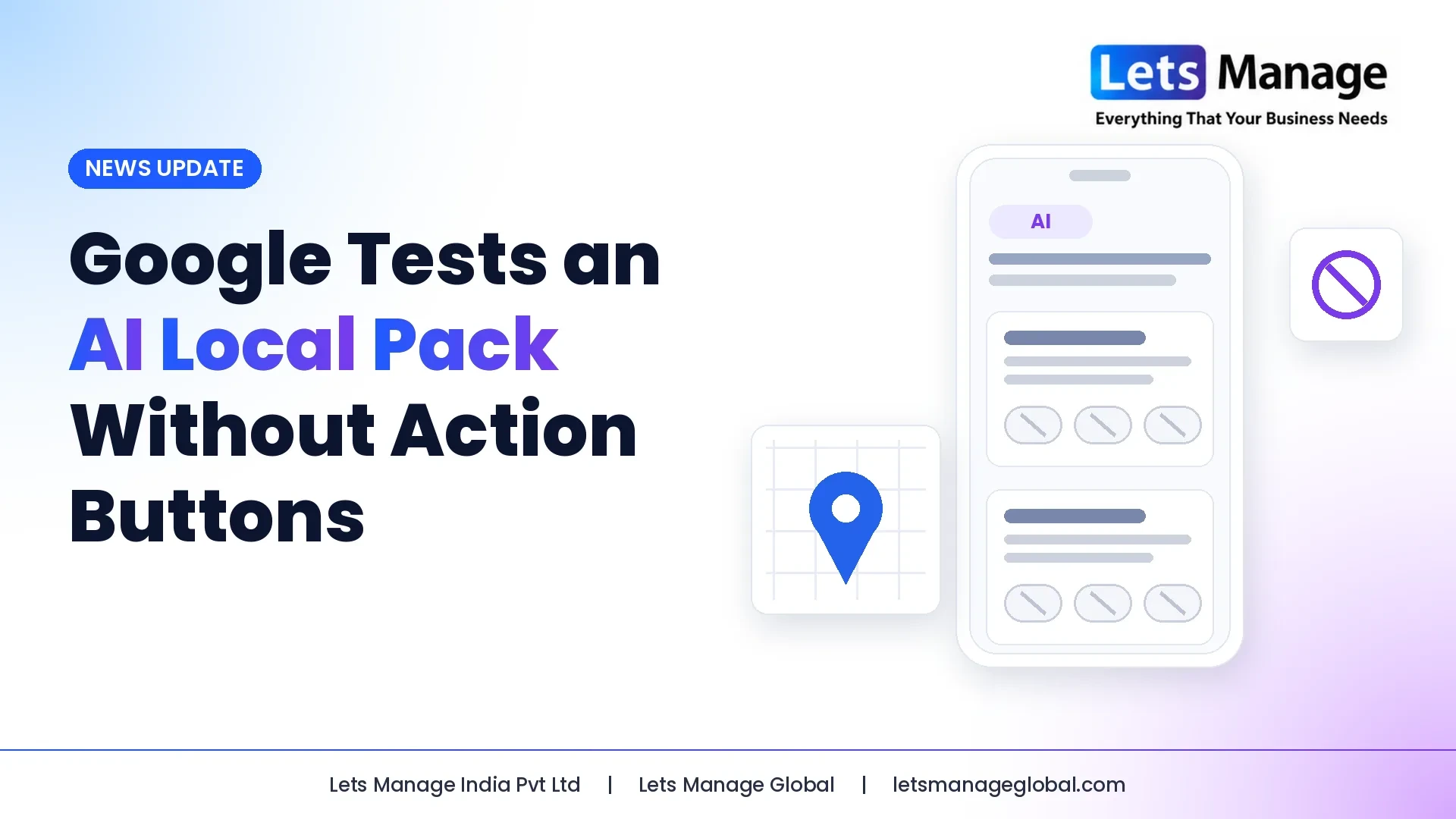
In brief. Google is testing a new version of the AI Overview local pack that strips out the call, website and directions buttons, along with reviews, photos, addresses and opening hours. In the test seen on mobile, this AI version replaces the traditional map pack entirely. Google has not said how widely it is running the test or whether it will stay. For businesses that get calls and visits from local search, the right move now is to measure those actions closely and keep the Google Business Profile complete and accurate.
What is Google testing?
When someone searches for a nearby service, such as a dentist, a CA firm or a furniture store, Google often shows a short list of businesses with a map. In recent years part of that list has been written by AI, as an AI Overview that names businesses and explains why each one fits. Those AI versions usually kept the familiar buttons to call, visit the website or get directions.
A new test removes them. Search Engine Roundtable reported on 10 November that Google is showing an AI Overview local pack with no action buttons, no photos and no review stars. Its editor said he could reproduce the layout himself.
The report was prompted by Joy Hawkins, a well known local search specialist, who posted on X that she had been seeing the new version for a few days. She said that on mobile, whenever this version appeared, the traditional local pack was gone, and that it used Google Business Profile data while dropping features such as reviews, address and hours.
Why does this matter for local businesses?
For many local firms, the local pack is the most valuable spot on Google. A searcher can tap once to call, open the website or start navigation. Each of those taps is counted in the Business Profile performance report, and for clinics, salons, repair services, restaurants and showrooms they often turn directly into appointments and walk ins.
If a searcher sees an AI summary that names a business but gives no button to reach it, they have to take extra steps. Some will search the name again, some will open Maps, and some will simply pick a competitor whose details are easier to reach. Search Engine Roundtable put it plainly, saying the tested version cannot be good for clicks, calls and direction requests.
There is also a trust angle. Reviews and photos help people choose between two similar businesses. Without them, the AI text does most of the persuading, which makes what Google understands about your business more important than ever.
Is this live everywhere?
No. It is a test, and Google has not said how many people see it, which countries are included or whether it will be kept. Google runs many search experiments that never launch, and AI Overview local results have already changed several times. Still, tests like this show the direction Google is exploring, and it costs little to prepare.
What to do now
You cannot opt out of a Google test, but you can make sure you notice its effect and give the AI the right information.
-
Record a baseline this week.
Note calls, direction requests and website clicks from your Business Profile performance report for the last few weeks, so any sudden change is easy to spot.
-
Track calls and visits from your website too.
Use call tracking or click to call events in Google Analytics 4, and add UTM tags to the website link on your profile so local traffic is separated from other organic visits.
-
Complete every profile field.
Check your primary and secondary categories, services, hours, holiday hours, service areas and business description. The AI version relies on this data even when it hides parts of it.
-
Keep earning detailed reviews.
Ask happy customers to mention the service and location in their own words. Review text helps Google understand what you are good at, even when stars are not displayed.
-
Make your website answer local questions.
Give each main service and location a clear page with prices or price ranges where possible, your address and contact details, and answers to the questions customers ask before they call.
-
Search for yourself on mobile.
Check your main service searches on a phone from time to time and take screenshots, so you know which version of the local results your customers are seeing.
Questions and answers
What is the AI Overview local pack?
It is a version of Google's local results where an AI written summary names and describes nearby businesses, instead of or alongside the classic map listing with three businesses.
What has Google removed in this test?
In the tested layout the call, website and directions buttons are gone, along with reviews, photos, addresses and opening hours. The business names and an AI written description remain.
Is this happening in India?
Google has not said where the test is running. The reports so far come from searches by US based specialists, so Indian businesses should simply monitor their own results and Business Profile data.
Will this reduce calls to my business?
It could if the test reaches your searches, because customers need extra steps to call or visit. That is why tracking calls and direction requests now is worthwhile.
Should I still invest in my Google Business Profile?
Yes. The AI version still draws on Business Profile data, so accurate categories, services, hours and reviews remain important.
Sources
- Search Engine Roundtable, Google AI Overview Local Pack Dropping Action Buttons, Photos and Reviews, 10 November 2026
- Digital Influence, Google tests AI Overview local pack without call, directions and review features, 10 November 2026
Checked by the Lets Manage Global team. Last updated 11 Nov 2026.