Every Google Tag Is Becoming a Tag Manager Container
On 17 November 2026 Google said each Google tag becomes a Tag Manager container, new snippets drop the gtag config command, Tag Assistant access moves to container permissions, and unsupported installations get the upgrade in January 2027. Here is what changes and what businesses should check.
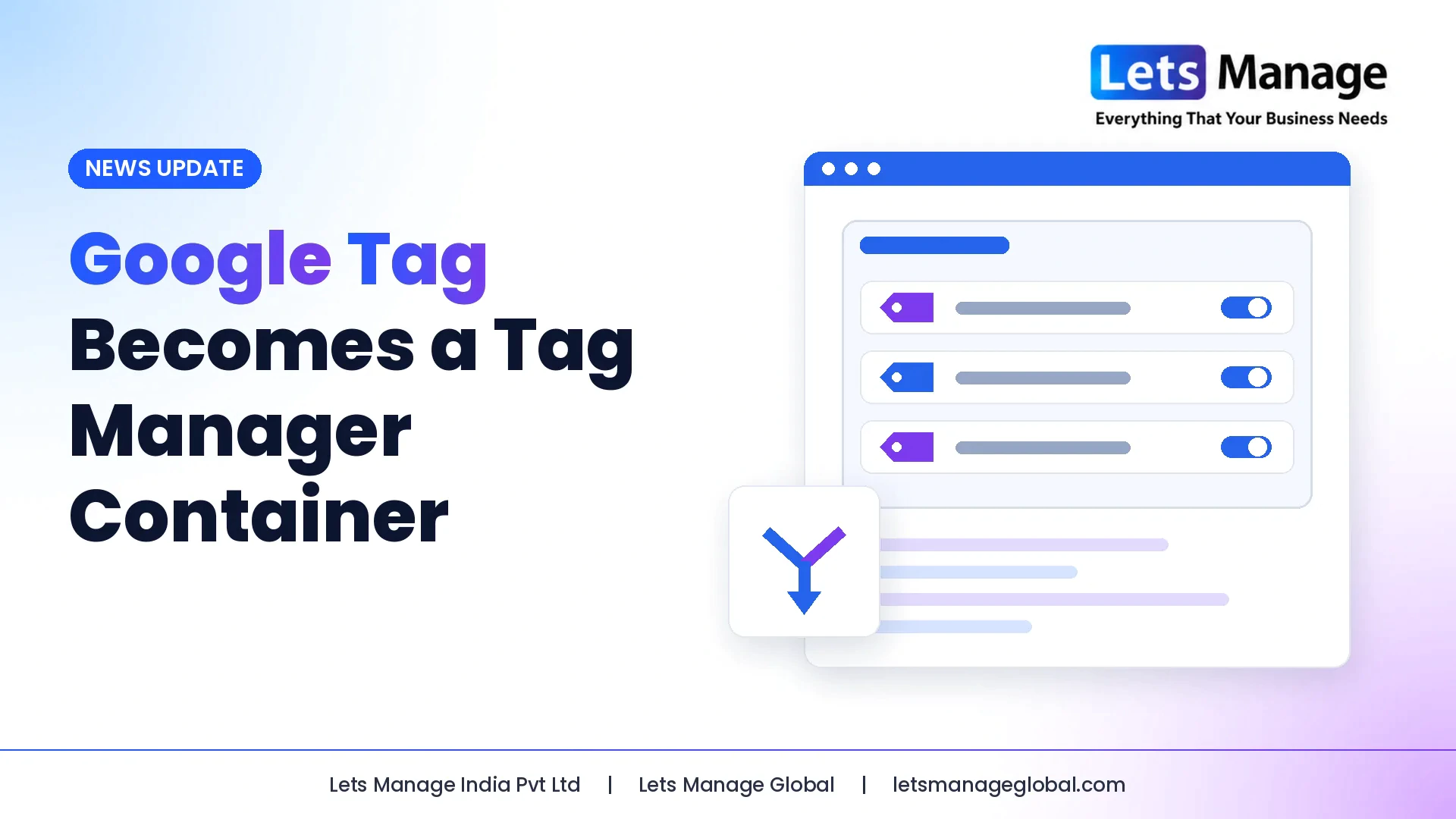
In brief. On 17 November 2026 Google's Tag Manager release notes said each Google tag becomes a Tag Manager container. Sites that only use the Google tag gain Tag Manager features such as debugging and version control, with no change to how tags behave on the page. New snippets will not include the gtag config command, Tag Assistant access will follow Tag Manager container permissions, and unsupported installations will receive the upgrade in January 2027.
What did Google change?
On 17 November 2026 Google added a short entry to the Google Tag Manager release notes titled Google tag and Google Tag Manager unification. The headline line is simple. Each Google tag becomes a Tag Manager container.
In practice, a website that only uses the plain Google tag for Google Analytics or Google Ads will be able to use Tag Manager features such as interface-driven tagging, debugging and version control. Google says the upgrade will not change how the tag behaves on the page, and each Google destination will keep its own tag, so existing setups and automatic event triggers are preserved.
The five points in the release note
The note is brief, so it is worth reading line by line. Here is what it actually commits to.
- Every Google tag becomes a container. Sites that only use the Google tag get access to Tag Manager's tools without installing anything new.
- No change in page behaviour. Google says advertisers simply gain the option to use Tag Manager features.
- One snippet for everyone. All new deployment snippets will be the same and will not include the gtag config command. Google recommends handling initialisation with the standard Tag Manager initialization triggers, which can also wait for a config command if you want to keep a legacy setup.
- Permissions move to Tag Manager. Access to data in Tag Assistant will be managed through the container permissions you already use in Tag Manager.
- Unsupported installs get it in January 2027. Sites with an unsupported installation will receive the upgrade in January 2027, and Google advises fixing the setup before then.
Part of a longer plan
This did not come out of nowhere. Google's help page Updates to Google tag and Google Tag Manager, dated 20 August 2026, set out the direction. It describes a simplified Tag Manager interface with a new Settings section, the unification of the two products, and visual tagging that lets you define events by selecting elements on your site. That page also says Tag Manager users will be prompted to optimise their containers, and that no changes will be made automatically during that optimisation.
The release notes since then fill in the steps. On 8 October 2026 Google said all Tag Manager container snippets will initialise on container load regardless of any gtag config commands, and that config commands will now appear in the dataLayer as gtag.config events. Google warned that containers using wildcard custom event triggers may see those tags fire. On 12 October 2026 it added the option for Tag Manager containers to send data directly to Google measurement products, which Google says improves site performance because Tag Manager no longer needs to load extra gtag.js code for that.
What counts as an unsupported installation?
This is the part most businesses should check first. Google's help article Set up your Google tag installation correctly for gtag.js explains it. Some sites load a Google tag ID that starts with G-, AW- or DC through the Tag Manager snippet path, gtm.js, and then rely on gtag config commands to configure it. Google calls this unsupported and says sites using it may see unexpected changes in tag behaviour.
Google also says users on containers with the unsupported implementation have received an email notification. If someone on your team, or your agency, received that email, do not file it away. This is often a pattern left behind by a quick copy and paste, an old theme, a plugin or a developer who mixed the two snippets years ago.
Who this affects
Almost every business that measures its website with Google Analytics or runs Google Ads conversion tracking is touched in some way. Most will simply see new options in Tag Manager. The ones that need to act are:
- Sites whose code mixes a Tag Manager snippet with gtag config commands for G-, AW- or DC IDs.
- Teams that use wildcard custom event triggers in Tag Manager.
- Businesses where several people, freelancers or past agencies have access to Tag Assistant data, because access will now follow container permissions.
- WordPress, Shopify and custom sites where a plugin or theme injects its own tag code alongside a manual install.
What businesses should do now
1. Find every tag on your site. View the page source or use Tag Assistant to list each Google snippet, its ID and where it loads from. Note any page where gtm.js loads a G-, AW- or DC ID.
2. Fix unsupported installs before January. Google's guidance is clear. If you rely on gtag config commands, use the standard Google tag (gtag.js) snippet. If you use Tag Manager for other tags, keep the main Tag Manager snippet with your GTM- container ID and deploy the Google tag inside Tag Manager instead.
3. Review wildcard triggers. Check whether any custom event trigger matches all events. With config commands now showing as gtag.config events, those tags may fire when you do not expect them to.
4. Clean up permissions. List who has access to your Tag Manager containers. Remove people who no longer work with you, and give read access where edit access is not needed.
5. Test conversions after any change. Use preview mode and your Google Ads and Analytics reports to confirm that purchases, leads and key events still record correctly. A broken conversion tag quietly hurts Smart Bidding and reporting for weeks before anyone notices.
Our view
For well-built sites this is good news. One container model, one snippet and one permission system is easier to manage than two overlapping tools. The risk sits with sites that were set up in a hurry. If your tracking was installed by a plugin, a theme and a developer at different times, January 2027 is a useful deadline to finally get it right.
Our digital marketing team sets up and audits Google tag, Tag Manager and conversion tracking for businesses in India and abroad. If you want your tags checked before the change, get in touch.
What to do now
A short tagging check before January 2027 will keep your measurement steady through the change.
-
List every Google snippet.
Note each tag ID on your site and whether it loads through gtm.js or gtag.js.
-
Fix mixed installs.
Do not load G-, AW- or DC IDs through the Tag Manager snippet with gtag config commands.
-
Check for Google's email.
Google says owners of unsupported containers were notified by email.
-
Review wildcard triggers.
Config commands now appear as gtag.config events and may fire wildcard custom event tags.
-
Tidy container access.
Tag Assistant access will follow Tag Manager permissions, so remove old users.
Questions and answers
Will my Google tag stop working?
Google says the upgrade will not change the in-page behaviour of Google tags. Each Google destination keeps its own tag, and existing setups and triggers for automatic events are preserved.
What is an unsupported installation?
Google describes it as a site that loads a Google tag ID starting with G-, AW- or DC through the Tag Manager snippet path, gtm.js, and relies on gtag config commands. Google says these sites may see unexpected changes in tag behaviour.
When do unsupported installations get the upgrade?
Google's 17 November 2026 release note says unsupported installations will receive the upgrade in January 2027 and advises adjusting the setup before then. Google has not given an exact day.
Do I have to start using Tag Manager?
No. Google says advertisers who use the Google tag gain the option to use Tag Manager features. Google also says container optimisation is not applied automatically and you can choose whether to adopt it.
Who will be able to see my Tag Assistant data?
Google says access to data in Tag Assistant will be managed through the container permissions you use in Google Tag Manager, so review who has access to your containers.
Sources
- Google Tag Manager Help, Release notes for Google Tag Manager (Google tag and Google Tag Manager unification), 17 November 2026
- Google Tag Manager Help, Updates to Google tag and Google Tag Manager, 20 August 2026
- Google Tag Manager Help, Set up your Google tag installation correctly for gtag.js, Google Tag Manager Help, checked 18 November 2026
Checked by the Lets Manage Global team. Last updated 18 Nov 2026.