Google Says Its Back Button Hijacking Rule Covers Social and Discover Visits
Google added an FAQ to its back button hijacking spam policy on 23 November 2026. The rule applies to any browser visit, including from social media, Discover is covered, and ad code is no excuse. Here is what site owners should check.
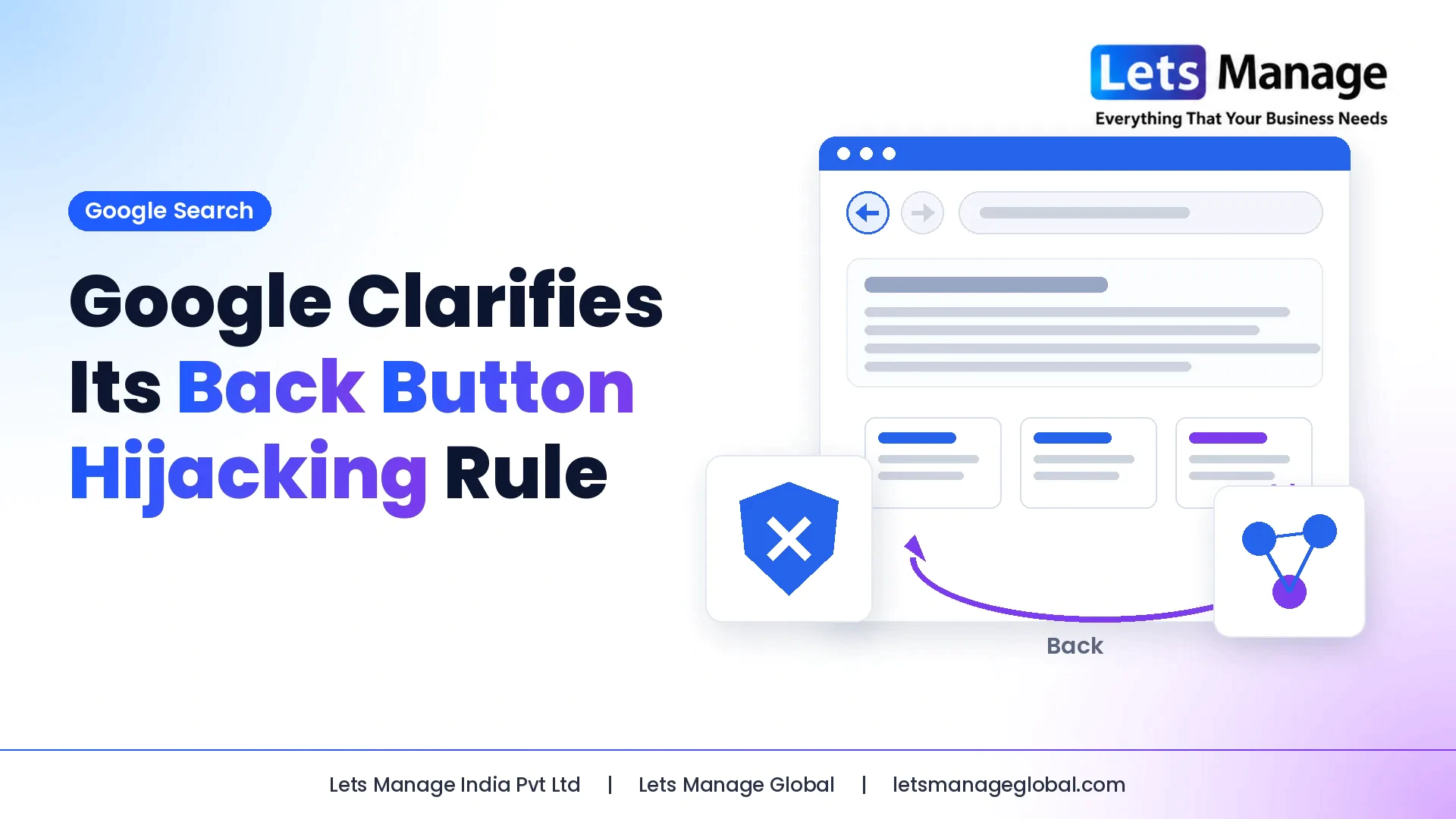
In brief. On 23 November 2026 Google added an FAQ to the back button hijacking section of its spam policies. It says the policy applies whenever hijacking happens in a browser, including visits from social media, that Discover is covered, that sites can keep using ad platform code, and that app navigation is out of scope. Pages that hijack the back button can face manual actions or demotions.
What did Google change?
On 23 November 2026 Google added a short FAQ to the back button hijacking section of its spam policies for Google web search. The policy itself is not new. What is new is that Google has now answered, in writing, the questions site owners kept asking since the rule was announced in April.
The answers matter more than they first appear. Google says the rule applies whenever the hijacking happens in a browser, including visits that start on social media, and it confirms that Discover is covered by its spam policies. It also says sites can keep working with advertising platforms, because Google only acts on pages that actually show the behaviour.
A quick recap of the rule
Google announced the policy on its Search Central blog on 13 April 2026 and began enforcement on 15 June 2026. Back button hijacking is when a site interferes with browser navigation, for example by manipulating the browser history, so a visitor cannot press back and return straight to the page they came from. Instead they might land on a page they never visited, see unsolicited recommendations or ads, or simply get stuck.
Google treats this as a malicious practice. Pages that do it can receive a manual spam action or an automated demotion, either of which can reduce how the site performs in Google Search.
What the new FAQ says
The FAQ has five questions. In our own words, the answers are these.
- Ad code is allowed. Sites can keep importing code hosted by advertising platforms. Google acts only on pages that exhibit back button hijacking.
- Users can report it. People can flag suspected hijacking through Google's spam report form.
- Discover is included. Google says Discover is part of Google Search and its spam policies apply there too.
- The source of the visit does not matter. If the hijacking happens while someone is browsing in a browser, the policy applies, even if they arrived from social media or another channel.
- Apps are out of scope. App navigation and "open in app" behaviour are not covered by this policy.
Google's documentation changelog says the FAQ was added to answer common questions it had received about the rule. There is no new enforcement date and no change to the definition.
Why this is more than a footnote
Many teams tested for this problem in a narrow way. Someone searched on Google, clicked their own result, pressed back and saw the results page again. Job done. The FAQ shows why that test is not enough.
Plenty of websites behave differently depending on where a visit comes from. Ad scripts, recommendation widgets and some landing page tools change what they do for traffic from Facebook, Instagram, WhatsApp or email. A page can look clean from Google and still trap a visitor who arrived from a paid social campaign. Google has now said plainly that the browser is what counts, not the referrer. If that page is also indexed in Google, it is in scope.
The Discover answer is the other big one. Publishers and content sites that rely on Discover traffic often carry the heaviest ad stacks, and Discover visits happen on mobile, where back button behaviour is easiest to break and hardest to notice from a desktop.
The ad code answer is reassuring but precise. Google is not telling anyone to drop an ad network. It is saying the page is judged on what it does. If a partner's script pushes extra entries into the browser history so that back lands on an offer page, Google will not accept "the ad network did it" as a defence. The April post already asked site owners to remove or turn off any code, imports or settings responsible, whatever their source.
Who should pay attention
- News, blog and content sites that monetise with display ads, native ad widgets or "recommended for you" units.
- Brands running Meta, LinkedIn or other social ads to landing pages that are also indexed in Google.
- E-commerce and lead generation sites using exit offers, interstitials or third-party funnel tools.
- Sites built on themes or plugins that add custom navigation, infinite scroll or app-like page transitions.
A normal exit popup that appears on the same page and can be closed is a different thing from rewriting browser history. The test is simple. Can the visitor press back once and return to where they were?
What businesses should do now
1. Test from more than one entry point. Open your key pages from a Google result, from a social post, from a WhatsApp link and, if you get Discover traffic, from Discover on a phone. Press back once each time. You should return to the previous screen.
2. Test on mobile with real ad delivery. Many problems only show up when an ad actually serves. Use a phone on mobile data, not only a desktop with an ad blocker.
3. List every third-party script. Ad networks, native ad widgets, push notification tools, chat widgets and funnel builders all run code on your pages. Ask each vendor whether their code changes browser history, and turn off any setting that does.
4. Check your own code. Developers should review where the site adds or replaces history entries. Single page apps and custom themes are the usual places where this goes wrong without anyone meaning it to.
5. Watch Search Console. Check the Manual actions report. If you ever receive a spam action for this, fix the cause first, then file a reconsideration request, as Google's April post explains.
Our view
This update does not add a new rule, but it closes the loopholes people hoped existed. The channel the visitor came from does not matter, Discover is covered, and blaming a vendor is not a defence. For most businesses the fix is a one-time script audit and a habit of testing pages the way real customers reach them. A clean back button also helps conversion and trust, not only rankings.
Our SEO team and website development team audit third-party scripts, landing pages and Search Console health for brands in India and abroad. If you would like us to check your site, talk to us.
What to do now
These quick checks help you confirm your site is not hijacking the back button.
-
Test every entry point.
Open key pages from Google, social posts, WhatsApp and Discover, then press back once.
-
Test on mobile with ads on.
Use a phone on mobile data so real ads serve during the test.
-
List third-party scripts.
Ask each ad, widget and funnel vendor whether their code changes browser history.
-
Review your own code.
Check where your theme or app adds or replaces history entries.
-
Watch Manual actions.
Check Search Console and file a reconsideration request only after the fix.
Questions and answers
What did Google change on 23 November 2026?
Google added a back button hijacking FAQ to the malicious practices section of its spam policies. It answers common questions about the rule. The definition and enforcement are unchanged.
What is back button hijacking?
It is when a site interferes with browser navigation, for example by manipulating the browser history, so a visitor cannot press back and return straight to the page they came from.
Does the policy apply to visitors from social media?
Yes. Google says that if back button hijacking happens while a user is browsing in a browser, the policy applies, even if they arrived from social media or another non-Search channel.
Does it apply to Google Discover?
Yes. Google says Discover is part of Google Search and its spam policies apply to Discover as well.
Do I have to remove my ad network code?
No. Google says sites can keep working with advertising platforms and importing their code. It only acts on pages that show back button hijacking, so any setting that causes it should be turned off.
What happens if a page breaks the rule?
Google says such pages can receive manual spam actions or automated demotions. After fixing a manual action you can submit a reconsideration request in Search Console.
Sources
- Google Search Central, Spam policies for Google web search (Back button hijacking FAQ), FAQ added 23 November 2026
- Google Search Central, Latest Google Search documentation updates, 23 November 2026
- Google Search Central Blog, Introducing a new spam policy for back button hijacking, 13 April 2026
Checked by the Lets Manage Global team. Last updated 24 Nov 2026.